PROGRESSION CHANGES
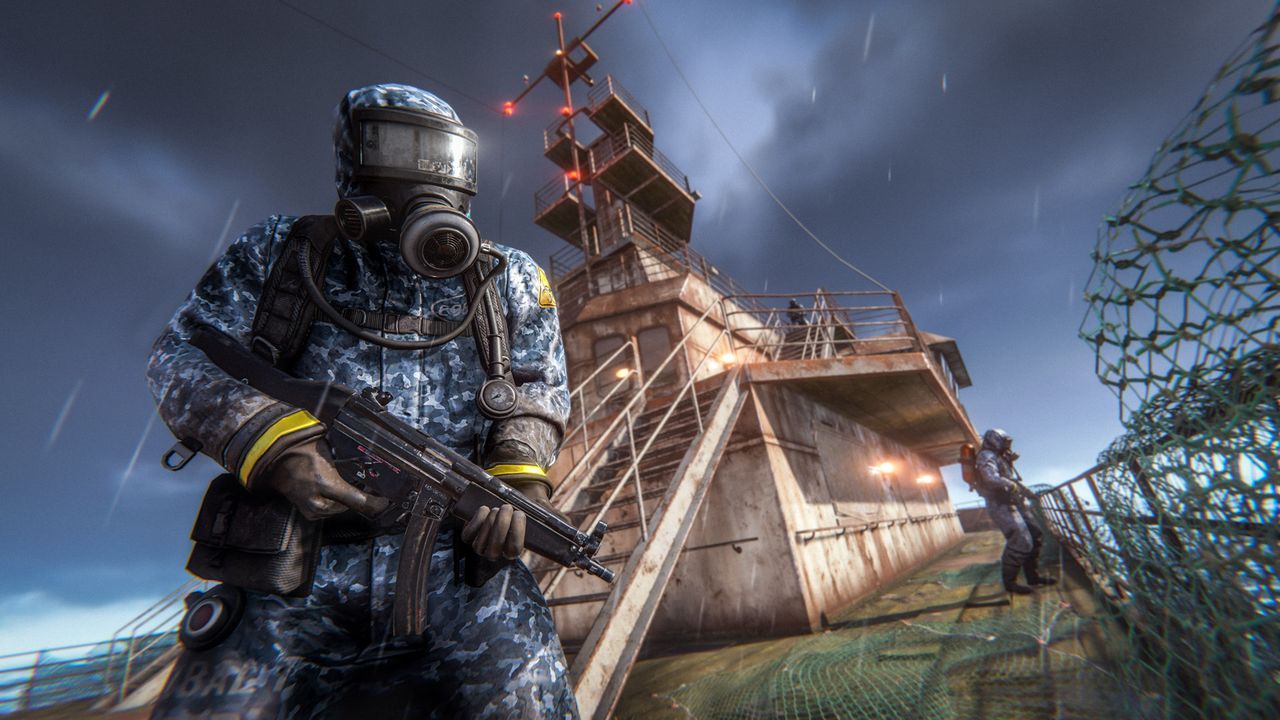
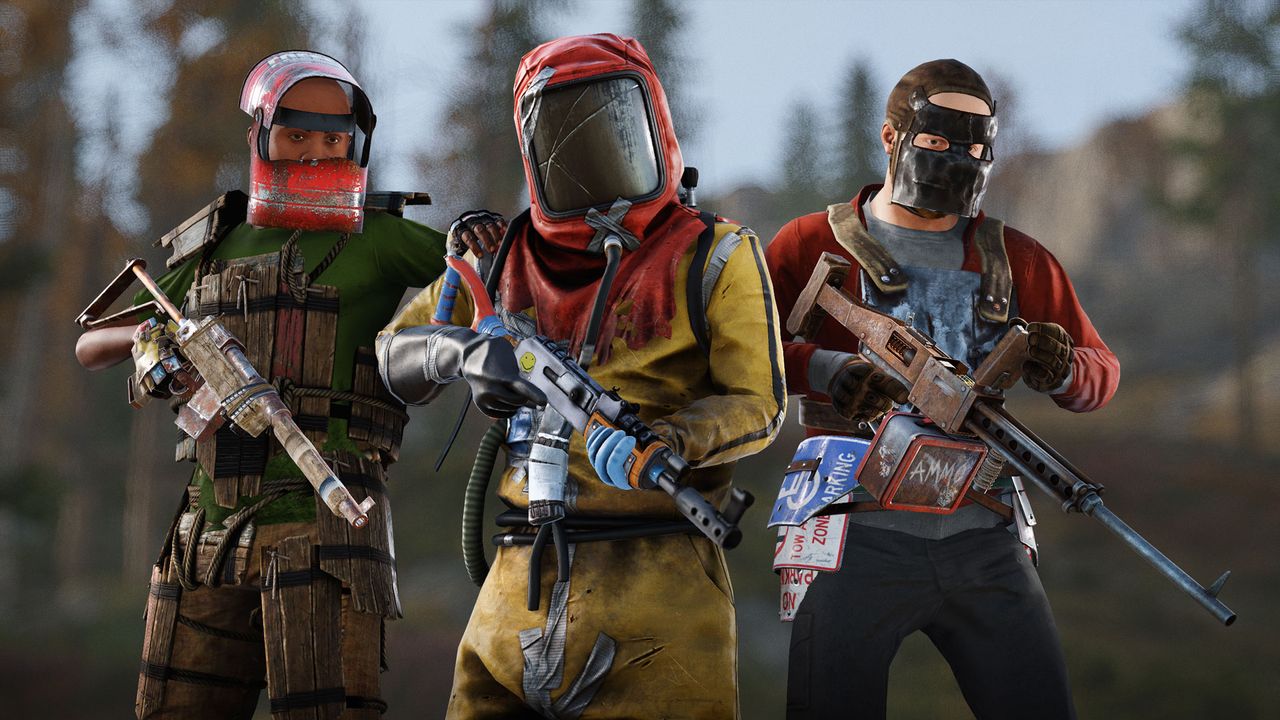
[p]Continuing from last month’s controversial Meta Shift changes and our push to make meaningful experimental changes to Rust’s progression, this month we’re taking things a step further.[/p][p]By making progression easier! Wait, what? Bear with me.[/p][p]One of the main issues with Rust progression is that the majority of servers don’t Blueprint wipe, including our Facepunch servers. When you join a freshly map-wiped server but already have everything unlocked, you’re effectively skipping the entire early and mid-game. You craft late-tier items immediately, bypassing all the gear and choices before it, which completely breaks the sense of progression on a wipe. Given the current state of the game, we may as well unlock or remove BPs, which seems crazy.[/p][p]Today, we’re wiping all Blueprints, wiping all servers, and drastically reducing tech tree and research costs:[/p]
- [p]Common: 15 (down from 20)[/p]
- [p]Uncommon: 30 (down from 75)[/p]
- [p]Rare: 60 (down from 125)[/p]
- [p]Very Rare: 120 (down from 500)[/p]
By drastically reducing unlock costs and removing scrap from workbench crafting, the progression curve will feel smoother without removing that sense of effort or reward. Rather than skipping straight to the end, players will be encouraged to actually use early-tier items first and naturally progress upward.[/p][p]Blueprint wipes bring back that sense of discovery, structure, and early-game pacing that Rust was built on. Combined with the cheaper unlocks and the removal of scrap from workbench crafting, the system should feel faster and less punishing, not a grind, while still maintaining that satisfying sense of progression and reward each wipe.
The current loop of the game is that you must find components and Blueprint fragments. Through that loop, you’ll naturally collect scrap as you go, and now with Blueprint wipes, there’s a meaningful way to spend it again.[/p][p]Does this mean we’ll be force-wiping Blueprints every month? Maybe. We’re not committing to anything yet. We’re going to play, watch, and listen before making any long-term decisions based on the past two months of changes.[/p][p][/p][p][/p][p][/p]
BOX SORTING
[p]Got a Storage Adaptor attached to a box? You’ll now find it has a power input and some new box sorting settings available when you open it. You can sort items alphabetically (and change what language you use), condition, count, category (matching the conveyor filter) as well as a custom snapshot mode.[/p][p]MINI FRIDGE
[p]Keep your food fresh and neatly stored with the new Mini Fridge deployable.[/p][p]Designed for compact bases and early-game, the Mini Fridge offers a compact way to preserve perishables without needing a full-sized refrigerator.[/p][p]- [p]Requires: 3 power[/p]
- [p]Storage: 18 slots[/p]
- [p]Placement: Fits comfortably under half-height floor builds[/p]
- [p]Unlock: Early unlock from the Engineers workbench [/p]
MONUMENT PUZZLE RESET CHANGES
[p]Last month’s Meta Shift update caused quite a lot of activity around monuments due to the new blueprint fragment system. While these fragments are designed to be scarce, we observed some undesired behaviour due to how monuments would reset to refresh their loot that was contributing to the fragments not spawning as quickly as intended.[/p][p]- [p]Start a timer for 30 minutes[/p]
- [p]If a player is within range of the monument pause the timer until they leave[/p]
- [p]Refresh the loot once the timer finishes[/p]
- [p]Monument refresh timers will now only start once a player loots a container in the puzzle rooms, rather than constantly refreshing every 30 minutes even if no players have visited.[/p]
- [p]Monument refresh timers will now tick down even if players are in range.[/p]
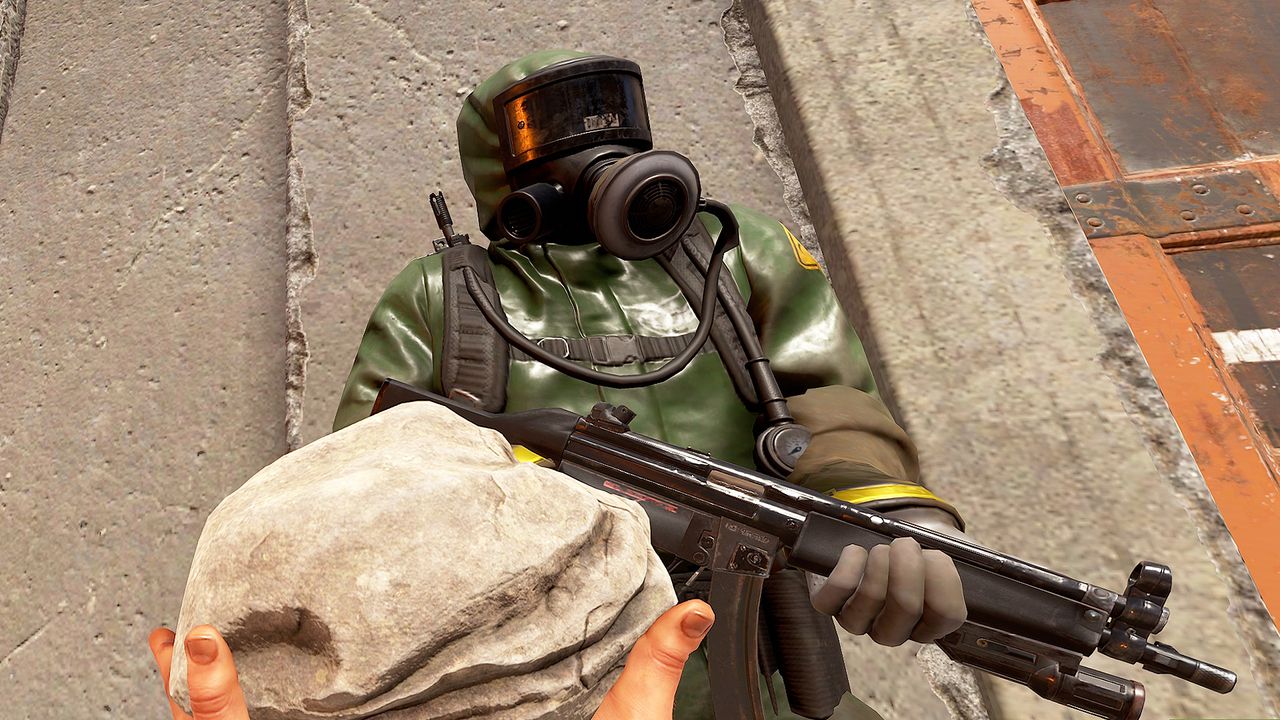
- [p]Monuments will now start generating radiation around their loot rooms and relevant puzzle elements (switches, fuse boxes, etc) 10 minutes before they are due to refresh. This radiation is severe and unsurvivable, although it has a small radius around it of milder radiation to communicate that you should stay clear.[/p]
- [p]Once radiation is active, the puzzle can only reset once it has been clear of players for a total of 5 minutes.[/p]
- [p]We’ve adjusted and shrunk the areas that we check for player presence across most monuments in order to make them as forgiving as possible and still allow general movement and looting around the monument while this refresh is taking place.[/p]
MEDICAL SYRINGES AND HORSES
[p]Medical syringes can now be used on horses by right clicking on the horse with a medical syringe equipped, in the same way you can heal other players. Horse healing can be performed whilst mounted as well as unmounted. Upon healing, horses additionally receive a temporary boost to their max gallop speed (+12.6km/h for 4s) and a small amount of stamina recovery.[/p][p]NOTABLE CHANGES
[p]Water Well VendorSemi Automatic Pistol Sell Order Removed[/p][p]M4 Shotgun
M4 Shotgun Now Spawns Inside Hackable Loot Crate Again[/p][p]Hackable L96
L96 Spawn Chance Lowered Inside Hackable Crate[/p][p]Boat Vendor DPV
DPV Can Now Be Purchased At Fishing Village[/p][p]DPV
Removed HQM Crafting Cost From DPV[/p][p]Computer Station
Can Now Add More Cameras To The Computer Station[/p][p]Diving Tank
Diving Tank Can Now Be Repaired For Free Like The Jack Hammer[/p][p]Blue Keycard Vendor
Removed Keycard Purchase from Vendor[/p][p][/p][p][/p][p][/p]
VENDING MACHINE - DRONE ACCESSIBILITY
[p]No longer will you have to travel to outpost just to find that the Vending Machine you wanted to buy from doesn't support drones. [/p][p]WINDTURBINE OPTIMIZATIONS
[p]On servers with large bases there are often a decent amount of wind turbines. Each of these turbines were skinned to allow it to be animated. This meant that each wind turbine had its own animator and animation system to allow it to spin. This is fine for lower numbers, but at higher amounts it can affect game performance. To combat this we have removed the skin from wind turbines. Instead having them animated in code. [/p][p]This also gave me a chance to review our LODs for the turbines themselves and make them a bit better at distance as well, the 'pop in' should be noticeably improved.[/p][p][/p][p][/p][p][/p]
ELEVATOR IMPROVEMENTS
[p]We’ve given the player placed elevator a bit of love this month. One recurring annoyance was having to replug the elevator power every time you add a floor, which was difficult since you often couldn’t easily reach the top. Now there is a power input plug on each floor (separate to the call button) and if any floor has power the whole elevator will be considered powered.[/p][p]HELICOPTER BALANCE PASS
[p]There's no question that attack helicopters are at the apex of offensive vehicles, but with that strength there still has to be counter-play and ways for defenders (*cough* victims) to fight them off. With this balance pass we took a look at one of the core-problems, that the attack helicopters are too hard to take down with the homing missile launcher, which was intended to be the primary counter-play solution.[/p][p]To couple with this change, we have also removed the ability to repair helicopters that are in-flight. If you are taking heavy damage you will have to find a safe place to land to be able to repair your vehicle. This further reduces the ability for attack-heli passengers to mitigate all incoming damage.[/p][p]
[/p][p]With these systematic changes, we don't want to hit the other player-driven helicopters too hard. So to compensate, the minicopter and scrap transport helicopter have been retro-fitted with their own flare launchers. When purchasing one of these helicopters from a vendor they will start with flares already loaded in the flare compartment accessible from the fuel tank(s).[/p][p]For hot air balloons (HABs), you will be able to dodge homing missiles by turning off the engine for 4 seconds. But just to be clear, homing missiles by default do not target the HAB, this is only if the server ConVar has been toggled that enables the HAB to be targeted.[/p][p][/p][p][/p][p][/p]
NEW CCTV CAMERAS
[p]This month, some new static CCTV cameras were installed at the Cargo Ship and Ferry Terminal locations. Players will now be able to input the following codes into a computer station:[/p][p]Cargo Ship[/p]- [p]CARGODECK[/p]
- [p]CARGOBRIDGE[/p]
- [p]CARGOSTERN[/p]
- [p]CARGOHOLD1[/p]
- [p]CARGOHOLD2[/p]
- [p]FERRYDOCK[/p]
- [p]FERRYPARKING[/p]
- [p]FERRYUTILITIES[/p]
- [p]FERRYLOGISTICS[/p]
PAINTING COLOR WHEEL & FAVOURITE COLORS
[p]The painting menu has gotten a long-awaited upgrade, a colour wheel! Now you can pick your colour using the same type of colour picker as in the workshop scene, including the copy/paste ability with hexcodes.[/p][p][/p][p]With this comes another QoL improvement so you don't lose your selections: favourite colours. Add up to 10 favourite colours that can be easily copied to the brush, or swapped out, with a single click. These favourites can also be accessed using the `paint.favcolours` ConVar, meaning you can bind custom swatches to different keys to hotswap your palette! [/p][p][/p][p][/p][p][/p]DIRECTIONAL FOLIAGE DISPLACEMENT
[p]Foliage now will now physically and directionally push away from players and other moving objects. Things like leaves, shrubbery and branches will move out of your way (within reason). This should make off-ground foliage feel more reactive and realistic as players move around.[/p][p][/p][p][/p][p][/p]RPG LAUNCHER ITEM STORE DLC
[p]This month we’re introducing the RPG Launcher, which is a unique skin for the Rocket Launcher. [/p][p]The skin can be purchased in-game or from the Rust Steam permanent item store.[/p][p]WORKSHOP SCENE IMPROVEMENTS CONT.
[p]Continuing on the work from last patch, we have another round of workshop scene improvements for the skinners out there. This month has been focused on adding new features to improve the creative flow and keep most of the tools in-game, so you don't have to alt-tab to the workshop page or reference tables with the maximum texture resolutions. [/p][p][/p][p][/p][p][/p]MORE EXPERIMENTAL SERVER OPTIMISATIONS
[p]Couple months ago I wrote about the release of updated flow of processing players on the server that could be activated with UsePlayerUpdateJobs 2. It's key aspect is that it tries to leverage multithreading to speed up stagers of logic. The highlights are:[/p]
- [p]We can run server occlusion in parallel[/p]
- [p]We can send entity snapshots and entity destroy messages in parallel[/p]
- [p]Only main thread serializes entity snapshots, the cached snapshots get consumed by worker threads[/p]
Server Occlusion - too much work
[p]In retrospect, I've already mentioned in the old blog post how 350 players can cause 10k of various checks to be run, I just assumed that we'd be able to sift through them quick. But that's not the case:[/p][p]- [p]I've simplified player/sleeper state checks further, as some state can be inferred, and added result caching[/p]
- [p]When generating pairs we now always end up with (player-or-sleeper, player) from-to pairs.[/p]
- [p]Because of above, I ripped out additional downstream checks to see if pair.to is ever not-player or should ignore[/p]
Player Processing - Lock Contention
[p]Instead of modifying our pool implementation (as that's used in our entire codebase), we now pre-allocate all necessary state on main thread (avoiding expensive locks). I'm hoping it'll speed up the processing and bring it closer to 3ms for comparable population(330p).[/p][p][/p][p][/p][p][/p]
UI OPTIMISATIONS
[p]This month we've made a lot of UI optimisations again. [/p][p]We noticed UI performance impact was relatively bad on populated servers for some reason. After investigating, we discovered a Unity bug causing the time spent on UI updates to scale with the number of gameobjects in the scenes.[/p][p]We mitigated it by reducing the number of active canvases at any given time, significantly improving performance until Unity releases an official fix.[/p][p]To recap the UI optimisations pushed over the last three months since the new menu was released:[/p][p]Time spent on UI updates every frame (4.5k map, sitting in front of a large base)[/p]- [p]Before: ~1.40ms [/p]
- [p]Now: ~0.17ms[/p]
SPECIFIC ENTITY PERFORMANCE IMPROVEMENTS
[p]We've rolled out improvements to several entities this month that we found were having a detrimental effect on performance. [/p][p]We noticed Slot Machines and the Chippy Arcade machine while evaluating performance on next months Floating City casino. The Chippy Arcade machine was rendering it's on-screen image several times a second, even if the machine was idle and not being used (ie. a still image). This is now fixed, it will also not render the screen if the camera is facing the back of the machine as the screen would not be visible. In a test case when looking at 14 machines this has improved performance by 20-30 FPS.[/p][p]Slot Machines use a small world space UI element to display the current payouts. This had several issues - the UI elements weren't properly using Pooling and they would be spawned in as soon as the player entered network range. Fixing the pooling and moving the UI creation to when the player actually comes close brings the time it takes to spawn a Slot machine from 2ms->0.13ms. This should mean less of a hiccup when entering range of Bandit Town. It was also using a skinned renderer despite it's moving parts being quite simple, so we modified the model and it's now made up of 3 static meshes. This will slightly improve rendering performance and allowed us to delete a mb of unneeded assets.[/p][p]NEW WORKSHOP SKINNABLE: HMLMG
[p]This month, we're introducing another workshop skinnable: the HMLMG[/p][p]This weapon has been a fan-favourite for a long time, and we're excited to release it to the skinning community after the popularity of last month's bed. We can't wait to see what incredible designs skin creators come up with. [/p][p]SPAWNING VEHICLES - CONSOLE UI
[p]Spawning vehicles can be a bit of a pain for Admins, they need to remember the entity name as well as type everything out all the time. We've now introduced spawning via icons in the F1 menu.[/p][p]You can spawn Vehicles in the same way as you would Weapons: searching through and picking what you want visually.[/p][p][/p][p][/p][p][/p]
DROPS. ON. KICK.
[p][/p][p]Yes, you read that right. Drops are coming to Kick! Rust is the first game to do it on the platform![/p][p]Drops include skins from CoconutB, Oilrats, hJune, Spoonkid, Panpots and more![/p][p]Get your accounts synced so you can claim your drops and see who to watch! [/p][p]https://kick.facepunch.com/[/p][p]
CHARITY PLUSHIE TOTAL
[p][/p][p]Thank you!Last month, Rust is partnered with both Ronald McDonald House Charities UK and Cancer Research UK to raise over £172,000 ($225,125) through the sale of two in-game charity plushies!
[/p][p]We have such a great and giving community with the figures shown above being 100% of sale proceeds after Steam fees and tax.[/p][p]
[/p]